
Turn hours of unscripted footage into a clear story
Before anyone opens an editor, the story has to be found. Clean the noise. Select what matters. Arrange the narrative. ScriptCut helps teams align earlier, reduce revisions, and create faster.

The Problem
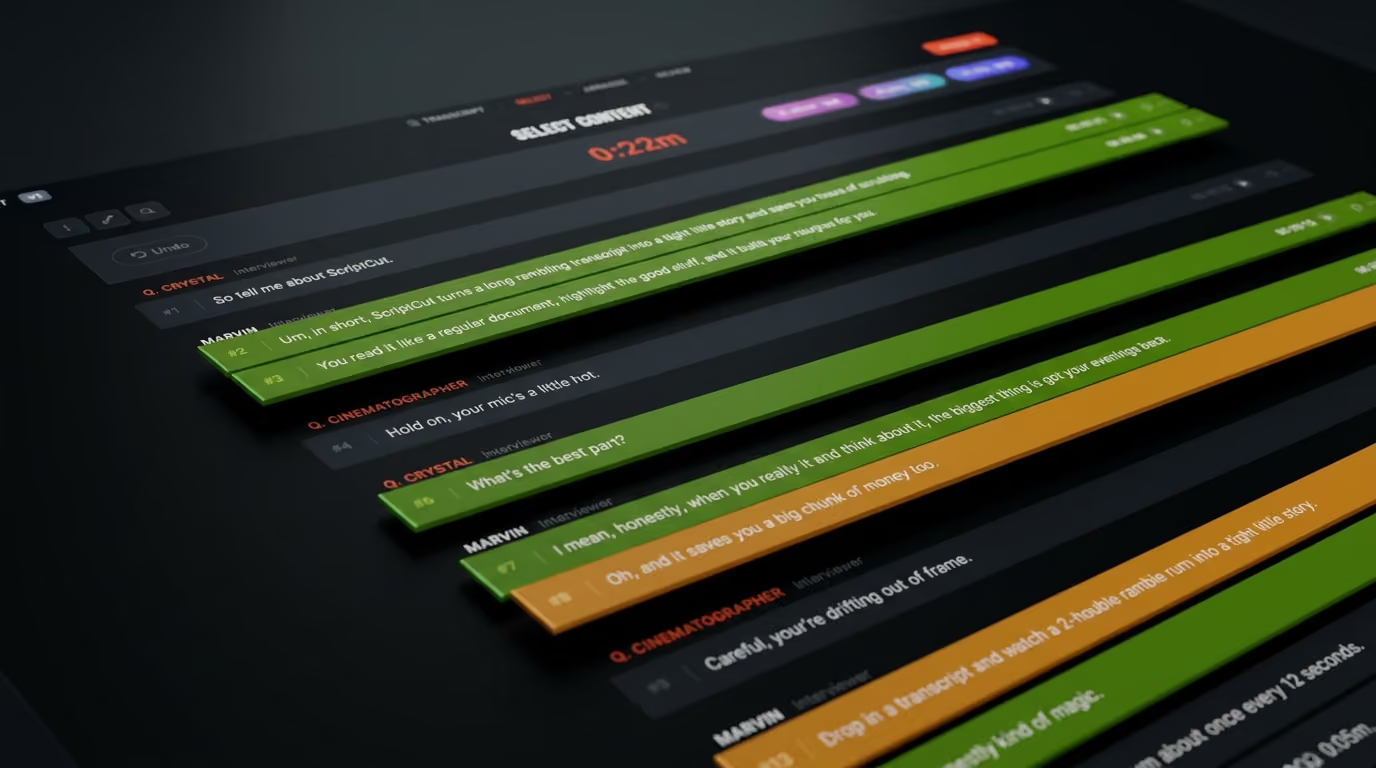
Nobody agrees on the story until it's too late
The footage is captured. The transcript exists. But the most important decisions are still happening through scattered notes, emails, and conversations.
Everyone has an opinion on what matters. Nobody sees the whole story.
By the time the first cut arrives, the problems become expensive.
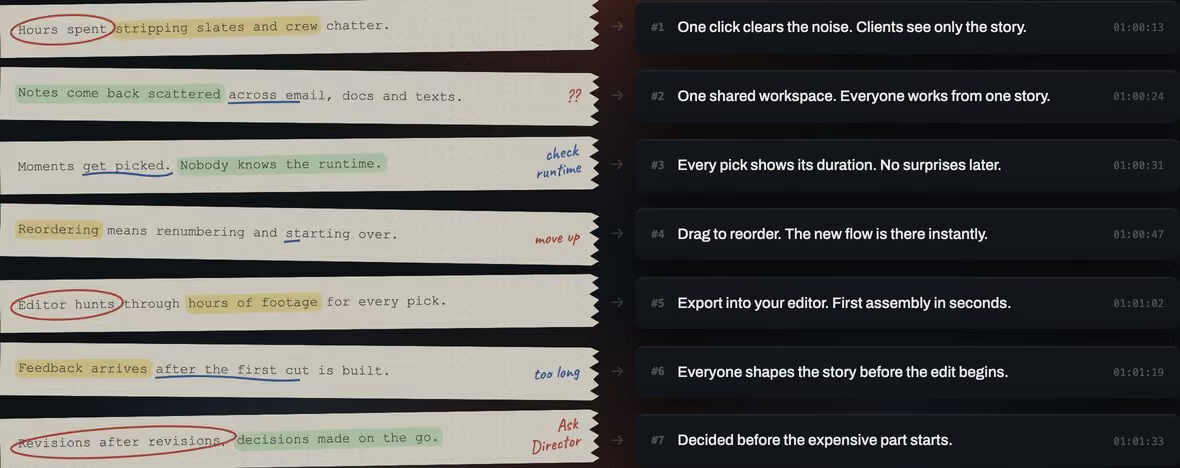
The difference
Same seven problems.
Seven fewer arguments.
How it works
From footage to story
in four steps
Every unscripted project follows the same path.
ScriptCut gives each step a place.
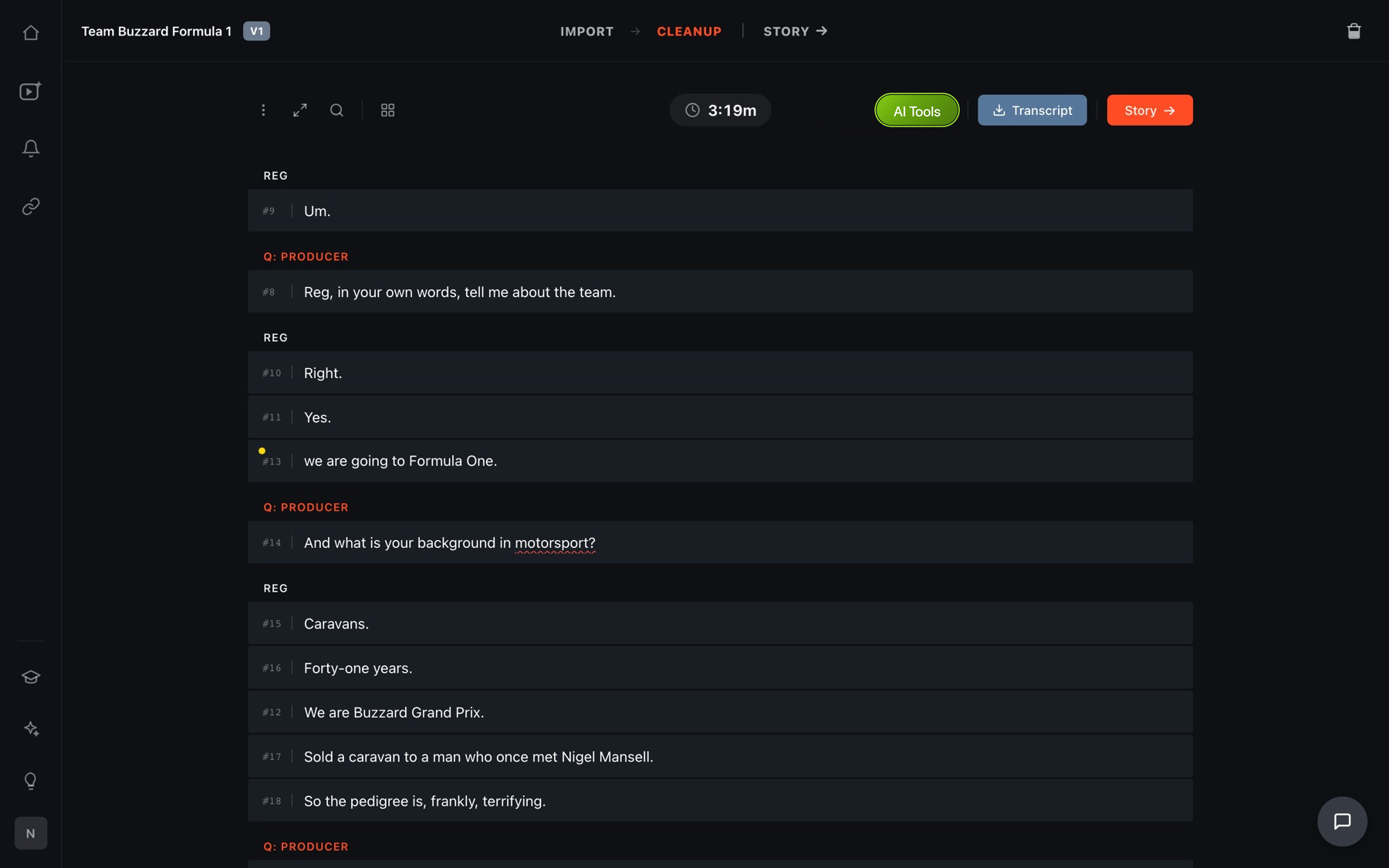
Clean
Remove everything that doesn't belong. False starts. Um's, Side conversations. Long pauses. Unusable moments. Start with a transcript that shows the story, not the chaos.
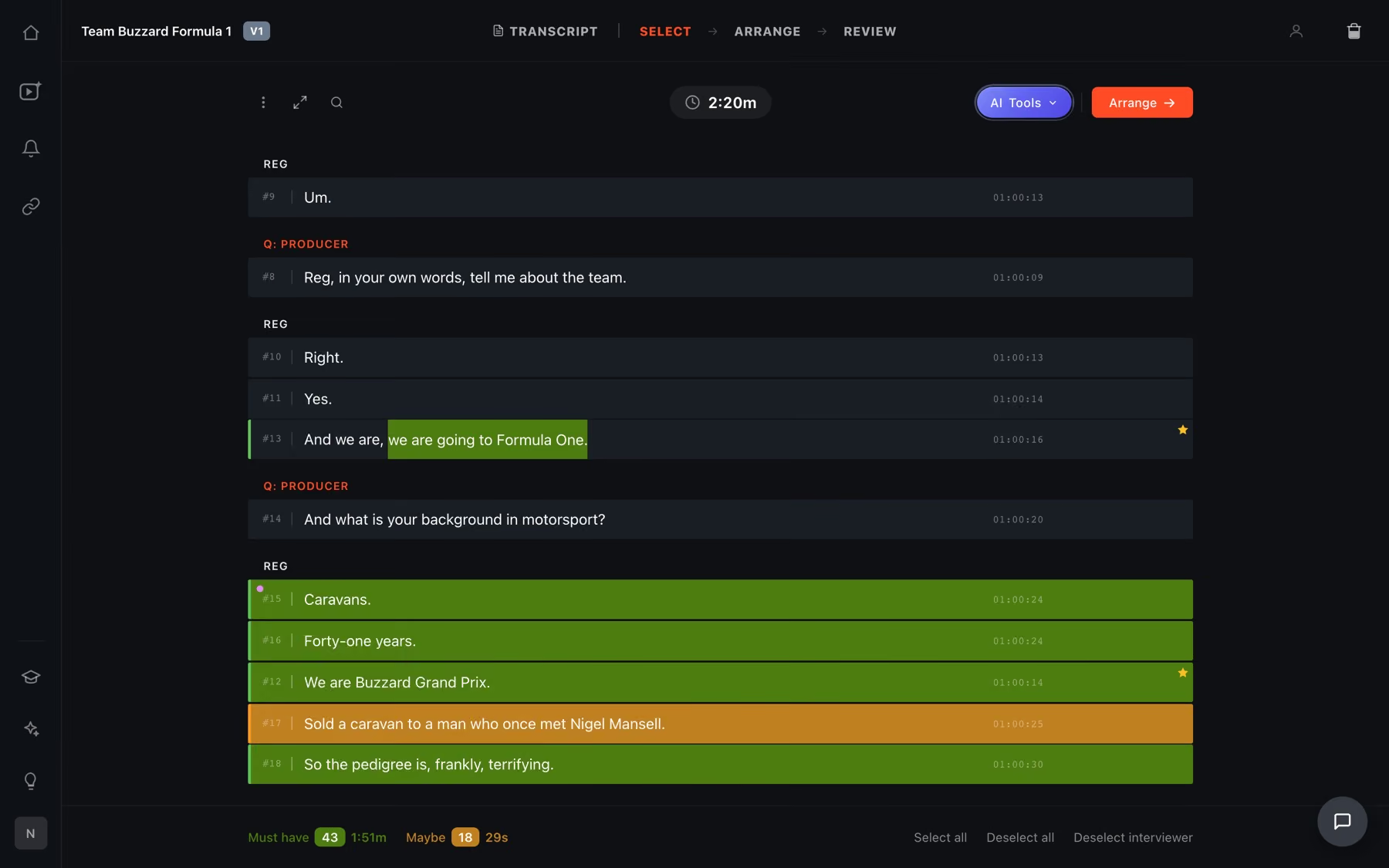
Select
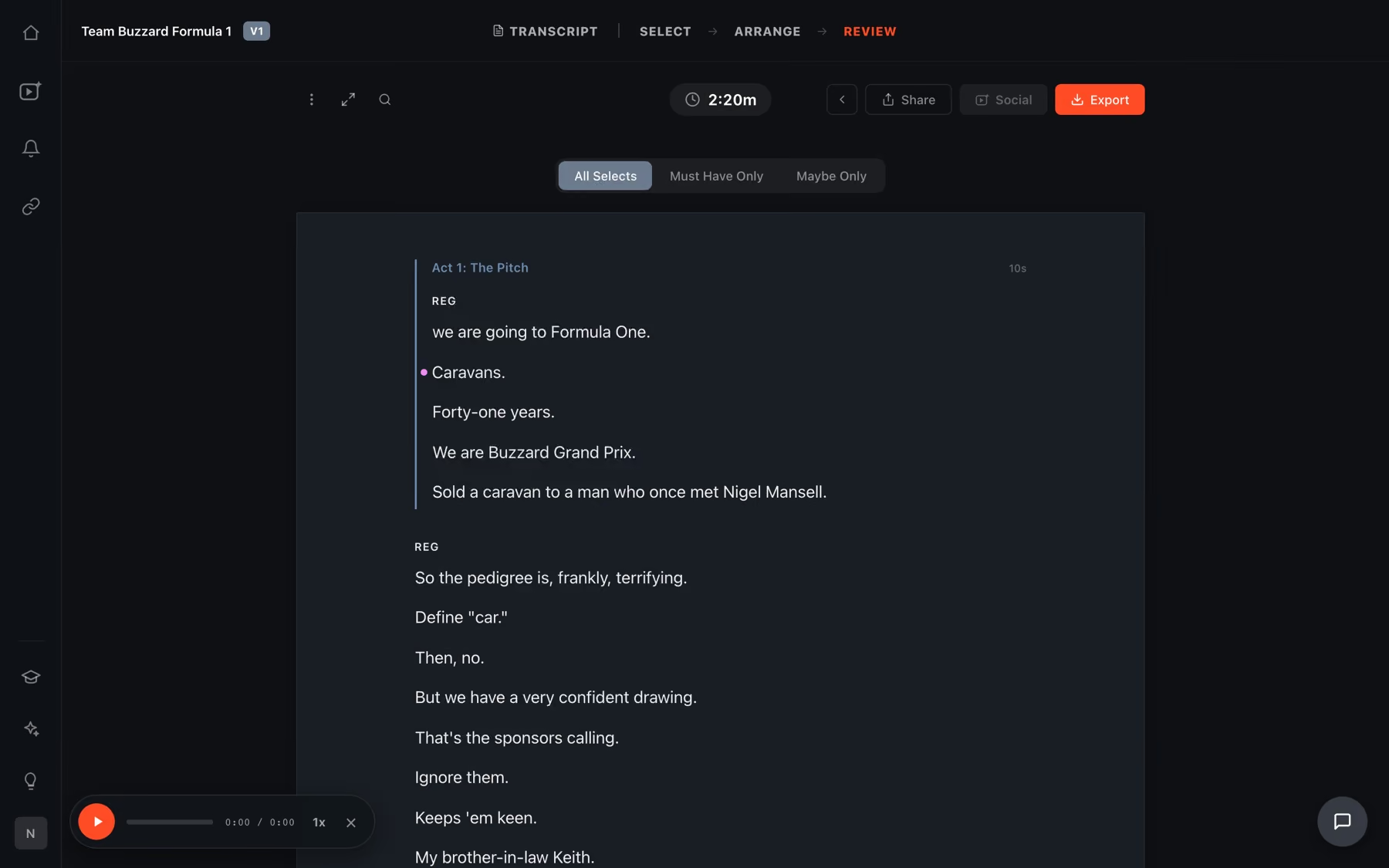
Highlight the moments that matter. Every selection shows its exact duration. Know what you are building before you edit.
Arrange
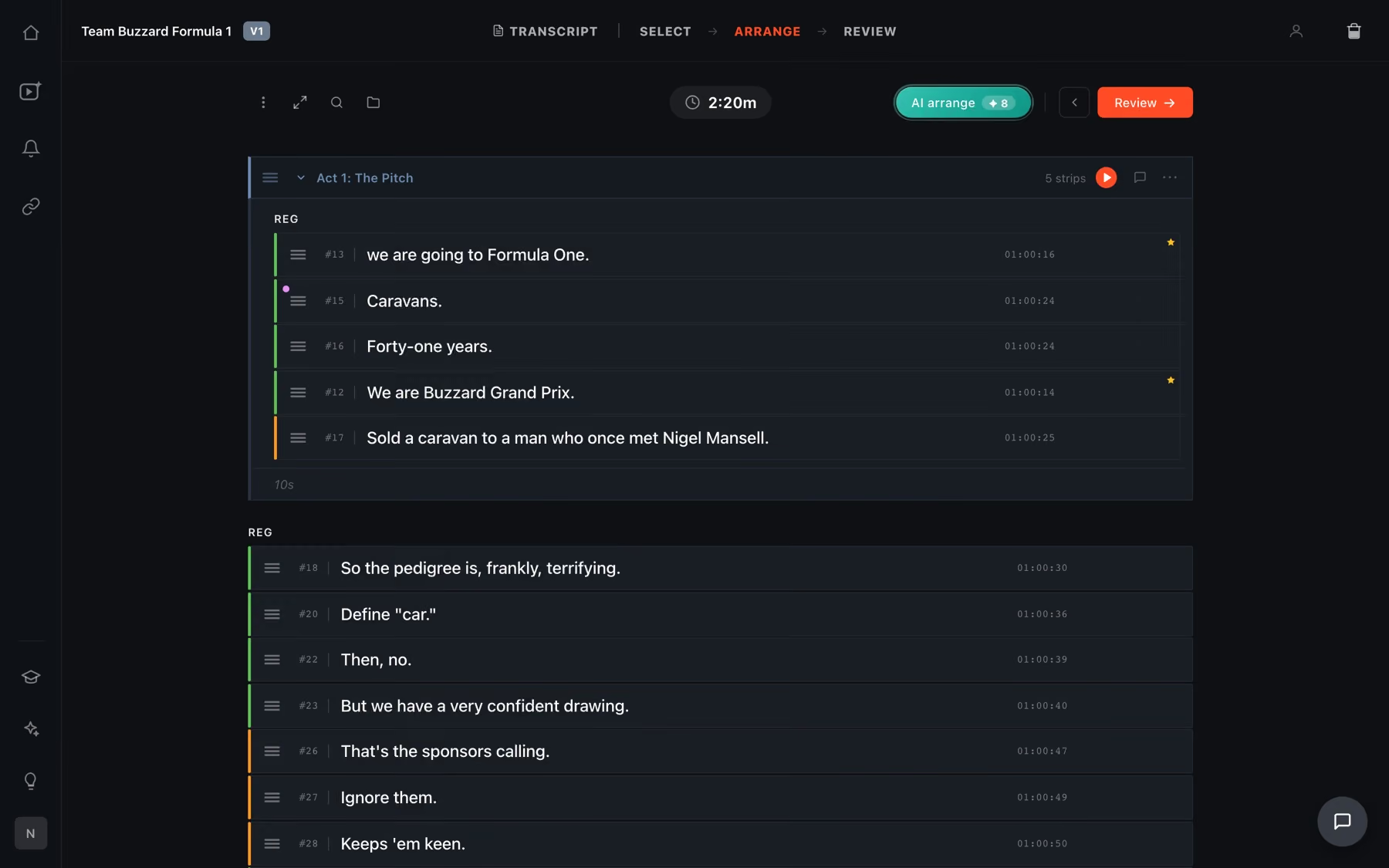
Build the narrative. Move moments into order. See the story take shape.
Create
Turn decisions into deliverables. Your story becomes the edit. Generate a rough cut in your editor, ready-to-post Reels, and polished PDFs to share with clients. Or send it straight into DaVinci Resolve Studio or Premiere Pro, with your footage already linked.
Several recordings
Two cameras, three days. One project.
Add every recording to the same project. Each file gets its own transcript. ScriptCut spots the same voice across files and suggests the match, so naming speakers takes seconds.
Pick from any file. The export joins everything into one timeline, even when the files run at different frame rates.
Collaboration
We reinvented the
paper edit
For decades, teams shaped stories with transcripts, highlighters, and notes. ScriptCut brings that process into a shared workspace.
1
They mark what matters
2
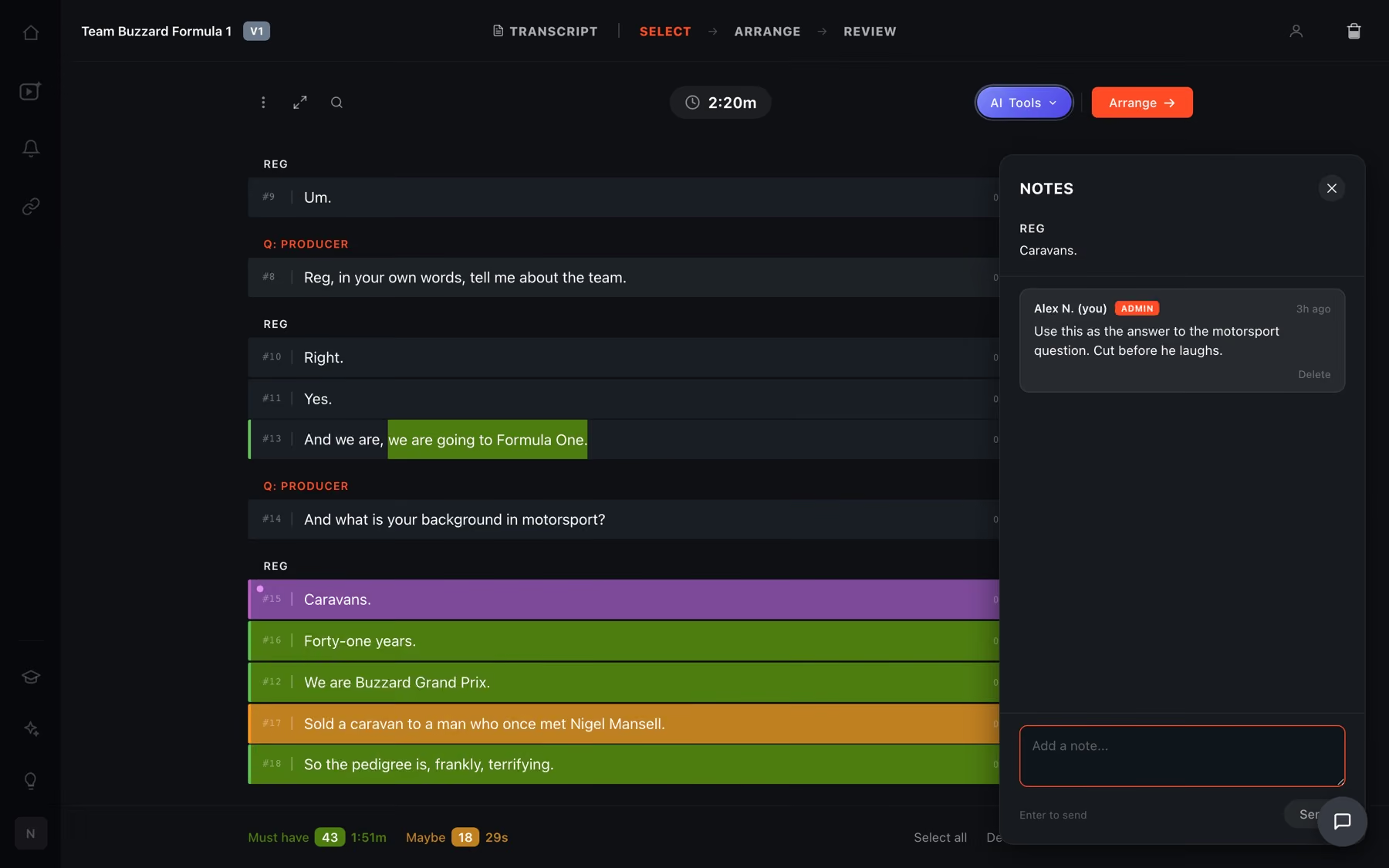
And say why, on the line
3
All from one review link
4
And sign off on the version
AI Assistance
Your second pair of eyes
AI should help you make decisions, not make them for you. Our AI helps you find strong moments, remove distractions, explore story structures, and create first drafts faster.
You stay in control. The final story is always yours.
AI Select
It finds the moments.
Marks the strongest lines across the whole transcript, with a reason for each. Nothing is reordered.
AI Arrange
It orders them.
Takes what you kept and puts it in the sequence that plays as a story, not the sequence it was shot in.
AI Story
It builds the whole edit.
Picks the moments, tightens the lines and orders them into chapters, in one step.
AI Clips
It cuts the shorts.
Turns the finished story into social versions, reframed shot by shot and captioned.
AI Suite
Four tools. One decision.
They are not four features bolted on. They are one call, made four ways, before anyone opens an editor.

Transcription
The transcript built for storytelling

Word-level accuracy, speaker detection, and support for multiple languages.
Remove ums, pauses, and distractions with one click.
Wrong word? Hear it while you fix it.
Export broadcast subtitles and polished client PDFs.
AI Translate
Shot in one language. Edit in yours.
Translate the whole transcript into the language you work in. Your picks carry over, and the cut stays in the original recording, on the original timecode.
48 languages, translated word for word
Switch between original and translation any time
Clients can read the review link in their language
Social
Turn one story into a
library of content





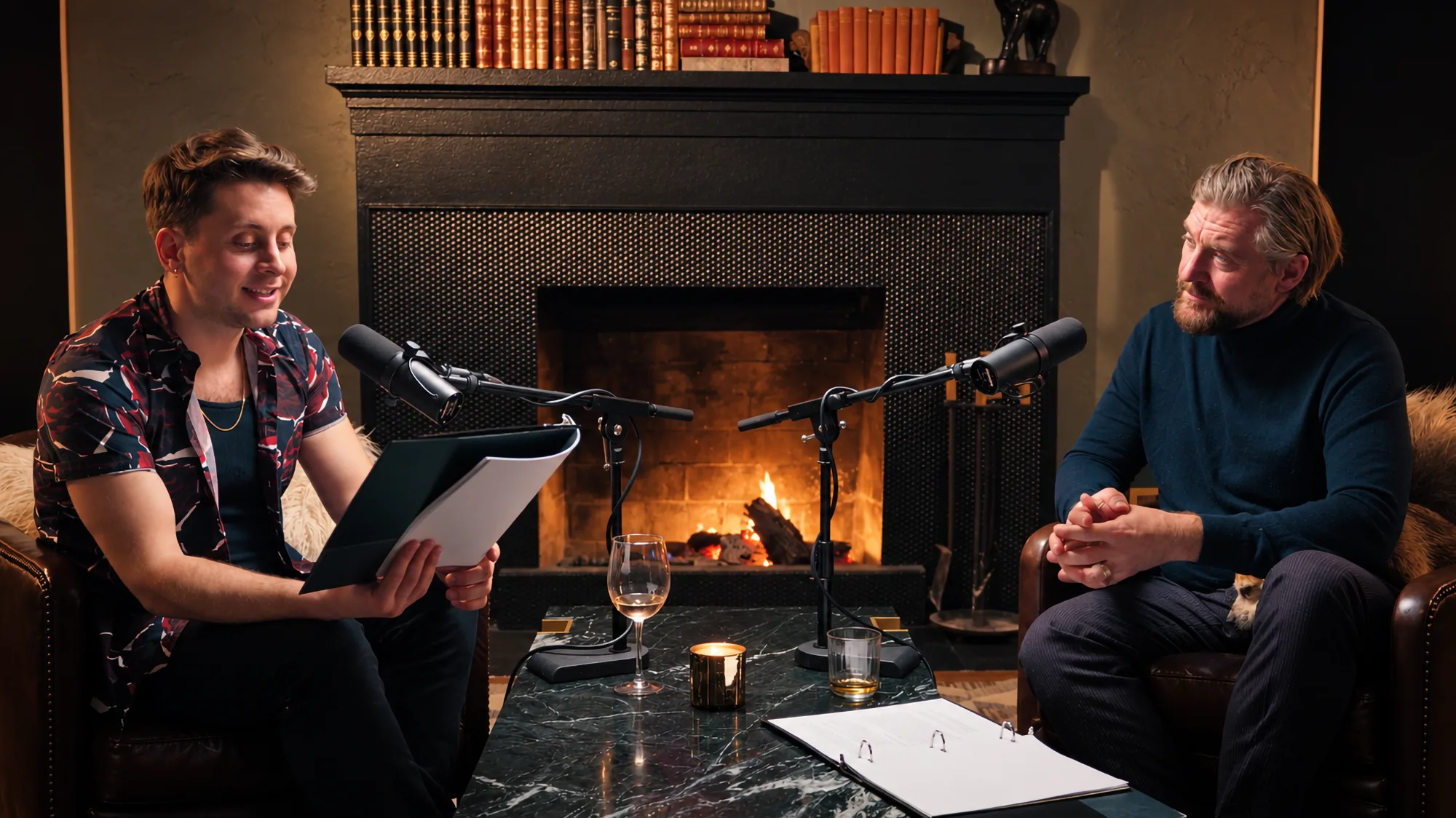
Turns your wide footage vertical and keeps whoever is speaking in frame. Every shot stays yours to override.
A library of caption styles, timed word by word from your transcript. That transcript is already corrected, so no spelling mistakes.
Stack two or more shots in one vertical frame. Every panel is yours to position, resize and swap.
Slide any panel forward or back to show an earlier or later moment of the same recording. Cutaways without cutting away.
Generate cover art with AI, build your own in the thumbnail builder, or combine both. Ready to post without opening a design tool.
Social

Interview
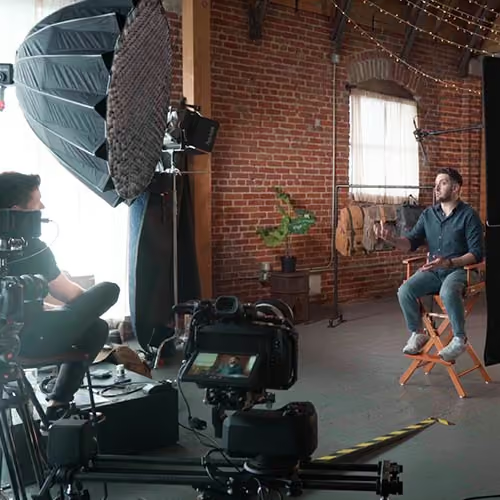
Brand Film
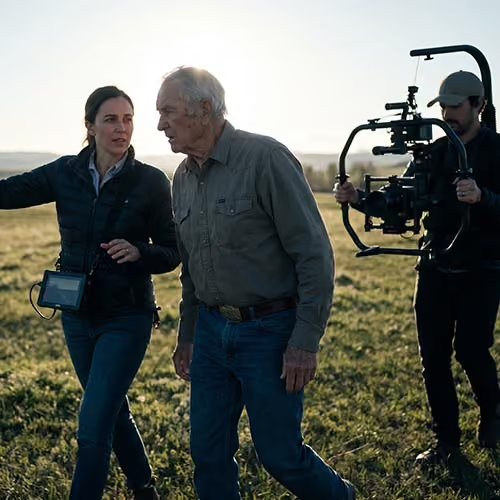
Testimonial

News

Documentary
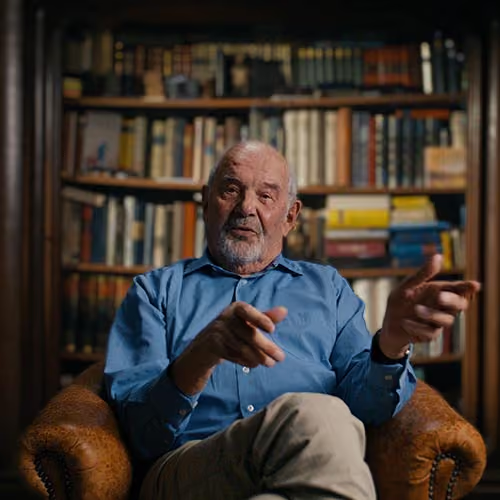
Educational
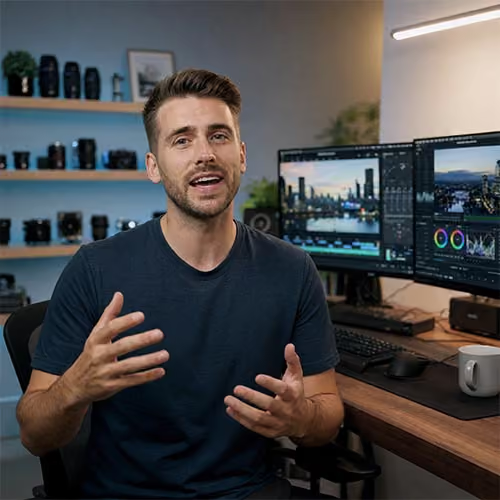
Reality TV

Built from experience
We built and used it
for ourselves first
ScriptCut wasn't created in a software company trying to solve a creative problem. It was built by someone sitting in the edit bay, making the same decisions every day. Marvin Nuecklaus created ScriptCut for his own productions, to find stories faster, reduce revisions, and build better edits.
The process helped create the unscripted shows that earned him six Emmy Awards.
Now it's built for every storyteller facing the same challenge.
PRICING
Simple pricing.
Start free.
FAQ
Frequently asked questions
ScriptCut is the pre-edit decision making platform for unscripted content. It helps you clean footage, find the moments that matter, build the story, collaborate with your team, and turn those decisions into edits and content, before the timeline becomes the place where decisions happen.
No. ScriptCut does not replace editors or make creative decisions for you. Think of AI as a second pair of eyes that helps you move faster - finding moments, removing distractions, and creating first drafts. You are still the storyteller.
Frame.io helps teams review and collaborate after an edit exists. ScriptCut helps teams decide what the edit should be before editing begins. ScriptCut is where the story is shaped. Frame.io is where the finished video is reviewed.
No. ScriptCut works before your editing software. Once the story is built, ScriptCut can assemble the first cut so editors spend less time searching and assembling, and more time refining the creative edit.
Most transcription tools give you a transcript. ScriptCut turns the transcript into a storytelling workspace. You can clean the transcript, correct words while listening to the original audio, identify speakers, select moments, arrange the story, see the runtime, collaborate, and turn those decisions into an edit.
ScriptCut is built for unscripted content where the story is discovered in the edit. Examples:
Documentaries, Interviews, Brand films, Testimonials, Podcasts, Reality TV, News, Educational content, Social content.
If people are talking and the story needs to be found, ScriptCut helps.
Once your story is built, ScriptCut can help you create multiple outputs from the same decisions:
Rough cuts, Social-ready Reels, Captions, Client-ready PDFs, Production documents
One story can become many pieces of content.
Yes. ScriptCut was built for anyone working with unscripted content, not just professional editors. Whether you're a marketer, business owner, podcaster, or content creator, you can turn long-form videos into polished social content without learning professional editing software. Find the story once. Create content everywhere.
ScriptCut Social helps you get more value from every video you create. Turn your long-form content into social-ready videos with automatic reframing, captions, thumbnails, descriptions, and publishing, all without starting the editing process over.
Yes, you can connect unlimited social media accounts across Instagram, Facebook, Youtube, TikTok and LinkedIn and map them to dedicated folders for each client. ScriptCut Social includes a publishing calendar for easy scheduling.
Start creating
Your footage already has the story.
Find it faster. Build it together.
Pick the story in the transcript, export a finished rough cut.
Get the ScriptCut newsletter
Thanks! Check your inbox to confirm.
Something went wrong. Please try again.